Your phone already has the best defense against scam texts — and most people don't know about it

Is your phone being bombarded by texts from services you never opted for or strange organizations claiming you’ve won a gift? If such messages look too suspicious, it’s because they probably are, and responding to them could expose your personal information, including your bank details or Social Security number. It also means your number has likely ended up on a spam robotext list. Naturally, blocking each number individually is the obvious first step to take in such a situation, but there are more effective ways to stop these messages for good.

According to an article by PCMag, never reply to such messages since it just acts as confirmation for scammers that your number is valid and can be exploited. While some robotexts give you the option to reply ‘STOP’ to stop receiving all communications from the company, this option will not work with scammers. Instead, they will just pass along your number to other criminals, increasing your chances of getting more spam texts. Hence, even if you receive texts about services you have opted for, but it’s from an unknown number, it’s always safer to Google the organization for their official contact, or double-check with people that you trust.
That said, you needn’t worry about spending extra resources to combat such texts since your phone already has an inbuilt feature that filters scam messages and sends them to a different inbox. If you’re on an iOS device, you need to navigate to Settings>Apps>Messages before scrolling down to the Filter Unknown Senders option. Turning this on will let your phone automatically send all texts from unknown numbers to a different inbox, from where you can delete them permanently.
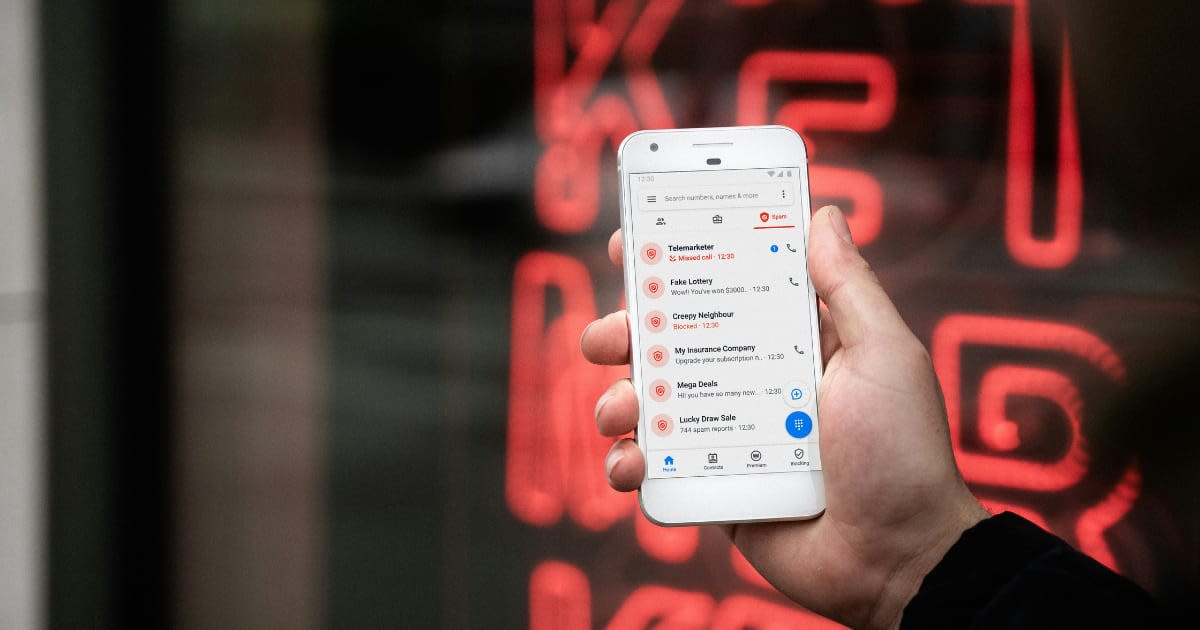
Alternatively, if you’re on Android, Google does this automatically, and your messaging app will already have a separate folder labeled Spam or Unknown. However, if you’re still being bothered by scam texts, go to Google’s Messaging App, tap your picture on the top right of the screen, and navigate to Messages Settings > Spam protection. Here, you can turn on the Enable Spam Protection option to have your phone alert you whenever it suspects a text is spam.
While the steps mentioned above will help you filter out almost all spam from your phone, it’s always better to report such texts to your carrier so that they can nip the issue in the bud. To report a text, long-press it to select it, then tap More on iOS and the right arrow to forward it to a different number. Android users can tap on the three-dot icon at the top and then select forward. You can then forward the message to 7726 for AT&T, Verizon Wireless, and T-Mobile connections. Do note that these providers also have their own spam blocking tools for their subscribers, and you can get in touch with your carrier for more information.

Finally, if all else fails, you can turn to third-party apps to block scam texts. Some reliable apps to block such texts include: SpamHound - a free iOS app, SMS Spam Stopper - a paid iOS app, and RoboKiller, which is available on both Android and iOS. Do note that using RoboKiller on iOS will also give you access to TextKiller, which is specifically used to block text messages.
More on Market Realist:
Online shoppers face a major threat as AI-powered scams could surge in 2026, Experian warns
Millions of Walmart shoppers are being targeted by scammers — FCC issues major warning
Here are 6 Online Habits to Steer Clear of Scammers and Viruses